

GST is in the lives of every business in India.For any business in India, GST is a routine fact of life. However, to be able to file returns, pay taxes, and verify registration status, it is important to understand how GST login functions.
Once you know the steps, it’s not too difficult and this guide will take you from getting registered for the first time to resetting your password. If you are a new taxpayer or just need a bit of a refresher, this is where you will find all that you need to know.
What is the GST Portal?
GST Portal is the official website of the Government of India to conduct all activities related to Goods and services tax. It was designed to facilitate faster and transparent tax compliance following the abolition of the earlier indirect tax regime such as VAT, Service tax and excise duty by GST.
Employers are able to register for GST, file monthly and annual returns, pay taxes online, claim refunds and check the status of any application that they have filled in through this portal. It also enables you to check notices from the tax department and take action on them without having to go to a government office. To sum up, it’s an all-in-one resource for everything GST compliance.
How to Register on the GST Portal
You must register before you can log in. Its operation is somewhat as follows:
Step 1: Go to the Official Website
Open the official GST website and search for registration. The new user has to enter basic data regarding the business (PAN, business name, address, contact details).
Step 2: Fill the Application Form
GST REG-01 Form is to be completed with accurate details of the business. You will also be required to submit copies of your documents that have been scanned.
Step 3: Get your Credentials
After successful application verification and approval, you will receive your GSTIN and Username & Password. These will be sent to you via SMS to your registered mobile number and your email address, and you’ll use them from now on to log in to the portal.
How to Log In as an Existing User
For users who already have a GSTIN, login will take around 1 minute:
- Visit the official GST portal and click on the “Login” button on the top right corner of the home page.
- Type in your username and password in the boxes.
- Type in the captcha code shown on the screen.
- To login into your account click “Login”.
Upon logging in, you’ll find yourself on your dashboard. You can file returns, make payments, check notices, download certificates and manage your business profile from here.
How to Log In For the First Time
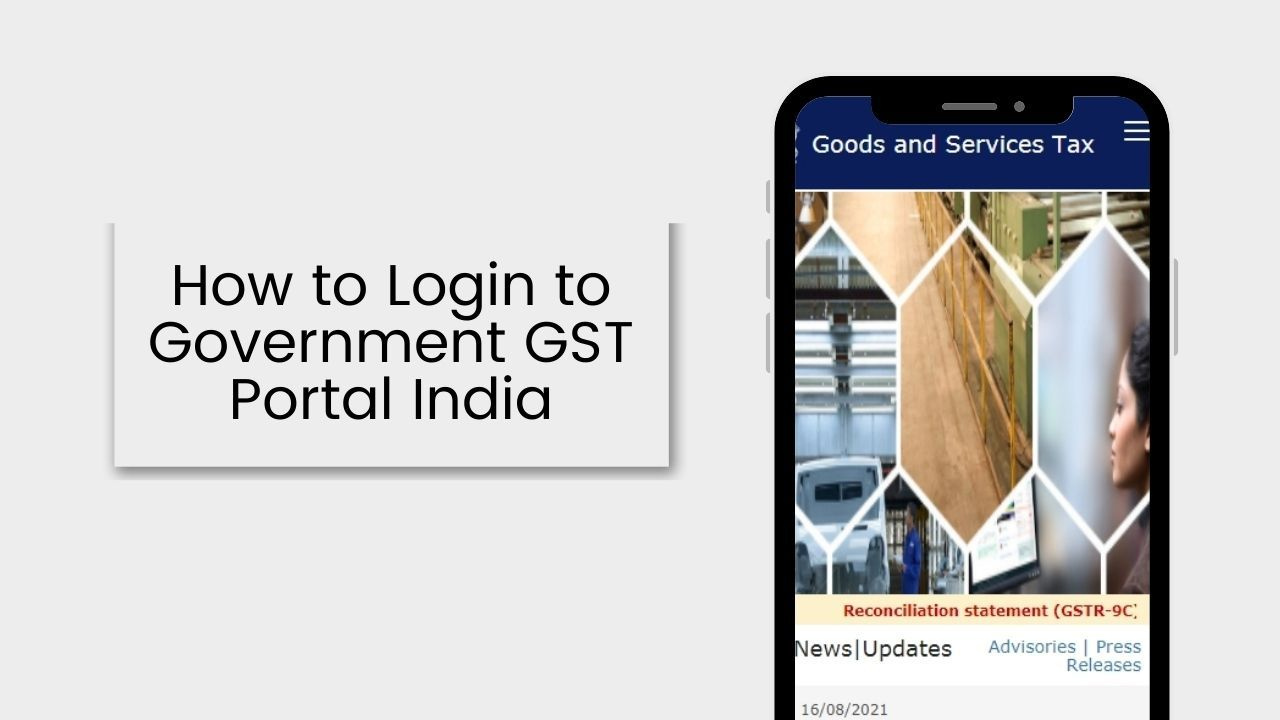
The first time you log in, it’s a little different, since you have to create a permanent username and password:
- On the login page, check for the line that says “First-time login? Click “here”” and then click.
- Input the Provisional ID/GSTIN and the password that was sent to you in an email.
- Create a new username and password of your choice.
- Submit and then return to the login screen and log in with the new ones.
Once this is done, you will use your new username and password each time you log in.
Read Also: Intimation Under Section 143(1): Meaning, Download, Tax Demand and Rectification
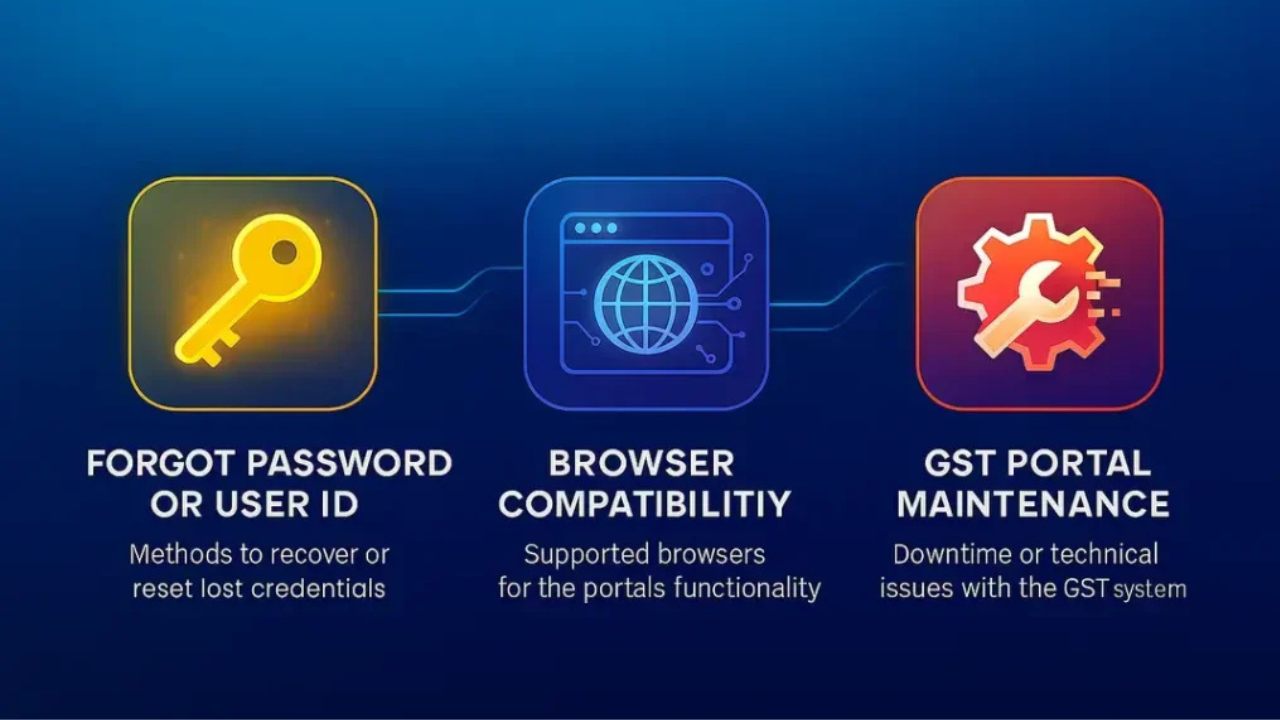
How to Recover Your Username or Password
It’s easy to forget your sign-in information and recover it easily.
If you don’t know your GSTIN: Register for GST on the GST portal, click on the “Existing User Login” link, and select “Forgot Username”. Provide your GSTIN or provisional ID, generate OTP and provide the security question, then you will be able to get your username.
If you don’t know your password: Click ‘Forgot Password’ instead. Enter username, verify with OTP sent to registered mobile number/email and set a new password.
Two factor authentication using OTP is a standard process, so ensure that the mobile number and email address you’ve registered with is kept up to date to prevent you from getting locked out of your account.
How to Check Your GST Registration Status
Sometimes it is not necessary to log in to see the status of applications.
Without logging in:
- Access the GST portal and click on the Services tab.
- Click Registration, and then click the Track Application Status button.
- Type in your Application Reference Number (ARN) and captcha code and click on Search.
After logging in:
- Log in to your account and navigate to Services, and then Registration.
- Click the “Track Application Status” button.
- Search by your ARN, Service Request Number (SRN) or search by the period of submission.
Both will give you insight into where your application is in the process, pending, approved, or requires additional review.
Documents Required for GST Registration
To register, please have the following documents available:
- PAN Card: Required for all applicants.
- Aadhaar Card: For the authorised signatory of the business.
- Documentation of Business Registration: E.g. shop act licence or company registration certificate.
- Identity and Address Proof: Passport, voter ID, driving license or Aadhaar.
- Bank Account Details: A business account that is associated with the entity applying for GST.
- Partnership Deed or Trust Deed: As applicable to your business structure.
These will make registration much quicker and minimise the risk of delays or rejection.
Services Provided on the GST Portal
After registration, you can access many services at the portal:
- Return Filing: Return monthly, quarterly or yearly as applicable to your business.
- Tax Payment: Make online payment for taxes using net banking, card or other payment options.
- Refunds: Make requests for excess tax paid and exports.
- Ledger Viewing: View your electronic cash & credit ledgers at any time.
- E-Way Bill Generation: Generate and Manage e-way Bills for Goods Movement.
- Grievance Filing: Direct complaint/queries via portal.
- Helpdesk Support: Access FAQs, user guides, and support if you encounter problems.
The portal is continually updated and new features and services are added from time to time to make compliance easier for the taxpayers.
Final Word
Logging into the GST portal may seem daunting at the start, but once one is familiar with the steps, it is very simple. All you need to do is register for the first time, log in as an existing user or retrieve a forgotten password and it is all available online in just a few clicks. Having the necessary documents and credentials ready, staying informed about any updates to the portal, and you’ll see the process of handling GST compliance becomes smooth and hassle-free.
FAQs
1.How to log in into the GST Portal?
Go to the official GST website, click on “Login” and enter your username, password and captcha code. OTP might also be required prior to opening the dashboard.
2. What if I forget my GST login password?
In the login screen, click on ‘Forgot Password’ and enter your username, confirm with the OTP sent to your registered mobile number or email id and then reset the password.
3. Do you need OTP to log in to GST?
Yes, once you log in with your username and password, an OTP will be sent to your registered mobile or email. This is required for a secure logon.
4. How to log in for the first time on GST portal?
Click “First-time login”, type in Provisional ID/GSTIN and the password sent in the email, set a new username and password and then log in again.
5. What is the website to log in for GST?
Only use government websites to log in to and access services for GST. This will make sure that your data remains protected and accurate.
Read More: EPF Grievance: How to Register, Track & Resolve Your Complaint Online
