
You have probably heard people talk about VPNs. Maybe a coworker swears by one, or you keep seeing ads pop up while you scroll. But do you actually need one? And if you do, how do you know which one to grab? In this article, we will discuss things simply with clear explanations. Let us cut through the noise and figure it out.
What a VPN Actually Does
VPN stands for Virtual Private Network. When you turn one on, it sends your internet traffic through a secure tunnel to a server somewhere else. Your real IP address gets hidden, and your data gets scrambled so nobody can read it. Websites, advertisers, and even your internet provider have a much harder time seeing what you are up to.
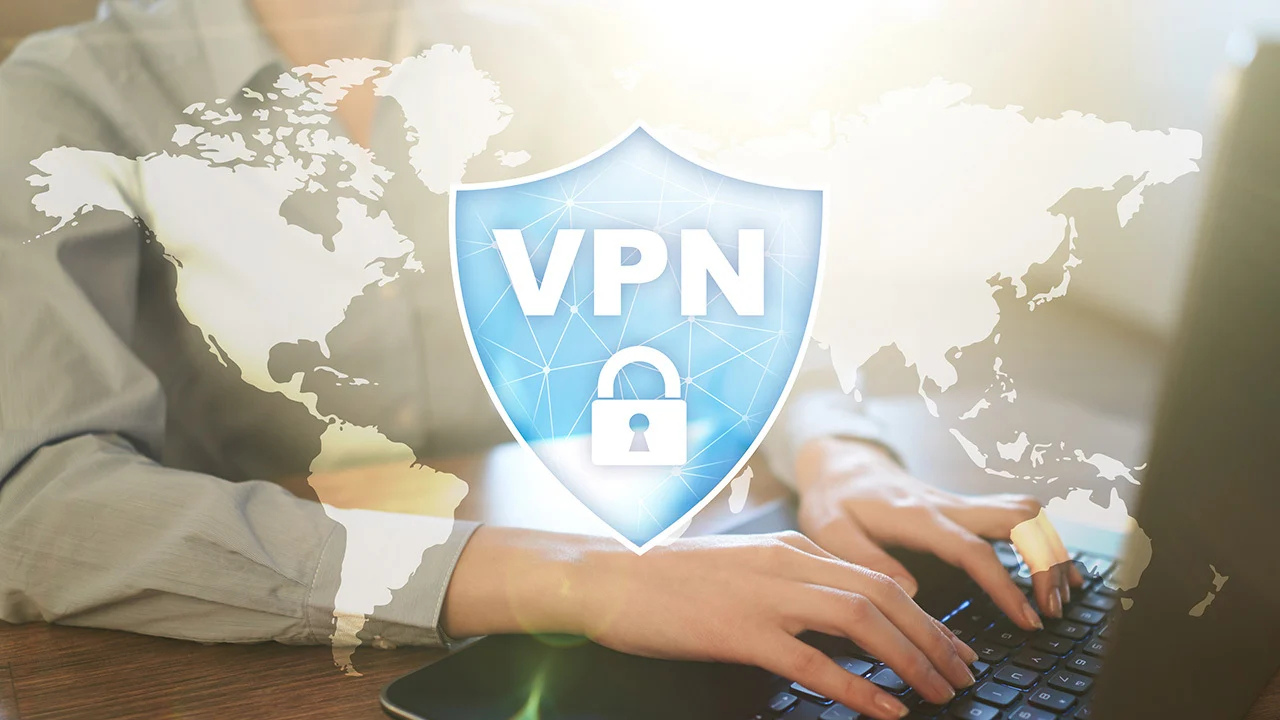
Think of it like driving through a tunnel. Without a VPN, you are on the open road and anyone can see where you are going. With a VPN, you slip underground where nobody can track your route.
Why You Should Care
Here is the real stuff that matters.
Public WiFi Is a Trap
Free WiFi at coffee shops, airports, and hotels is super convenient. It is also super risky. Hackers can sit on the same network and grab whatever you send. Passwords, bank logins, private messages. It is all up for grabs if it is not protected. A VPN locks your data down so even if someone tries to snatch it, they just get gibberish. The FTC has warned about fake hotspots and stolen sessions on public networks. A VPN is your best defense here.
Your Internet Provider Is Watching You
Your internet company sees every site you visit, how long you hang out there, and what you download. They can sell that info to advertisers or hand it over if someone asks. With a VPN, all they see is that you are connected to a VPN server. They have no clue what you are actually doing after that.
Watch Stuff From Other Countries
Some shows, sports, and apps only work in certain places. A VPN lets you connect through a server in another country, so it looks like you are browsing from there. This can unlock content that is blocked where you live. Just keep in mind that Netflix and others fight hard to block VPNs, so it does not always work.
Stop Getting Ripped Off on Prices
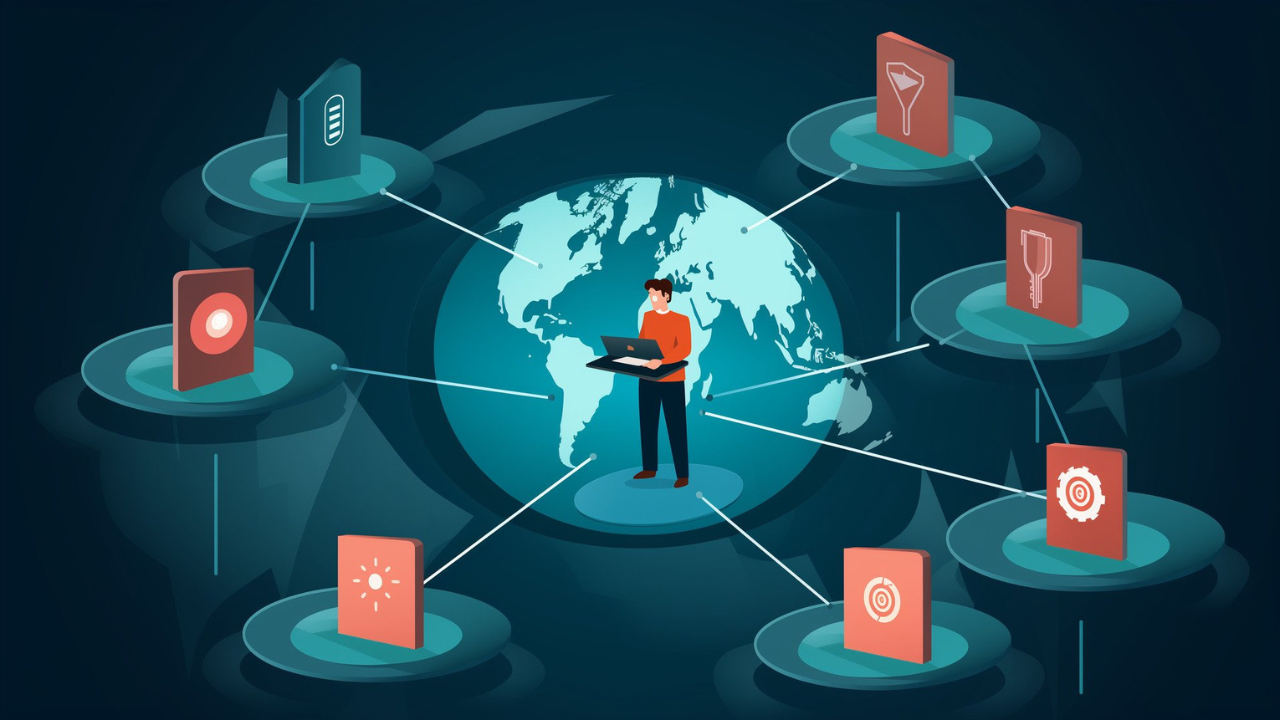
Some travel and shopping sites jack up prices based on where you are. Airlines, hotels, and car rentals sometimes charge more depending on your location. With a VPN, you can switch your virtual location and compare prices from different places. You might save a decent chunk of money.
Work From Home Without the Stress
If you work remotely or travel for your job, a VPN keeps your connection to company files and tools secure. Many bosses require employees to use one when accessing work stuff from outside the office. It keeps sensitive company data safe even when you are on sketchy hotel WiFi.
Read Also: Gettransmac com: Complete Guide, Features, Benefits & How It Works
What a VPN Cannot Do
Let us be straight. A VPN will not stop phishing emails, malware, or scams. It will not make you completely invisible online. It also will not replace antivirus software or strong passwords. It is one tool in your security toolbox, not the whole kit. Privacy experts say VPNs work best when you pair them with good habits like two factor authentication and unique passwords.
How to Choose the Right One
There are tons of VPNs out there. Here is what to actually pay attention to.
Strong Encryption
Look for AES 256 encryption. This is the same stuff banks and the government use. It is tough to crack. Stay away from old protocols like PPTP, which has holes that hackers can exploit.
No Logs Policy
A no-logs policy means the VPN company does not keep records of what you do online. If they do not store your data, they cannot give it to anyone. But watch out. Some providers say they do not log while still tracking connection times or how much data you use. Read the fine print before you hand over your money.
Kill Switch
This is a must. If your VPN connection drops, the kill switch cuts your internet immediately. That stops your real IP address from leaking out during the gap. Without it, you might not even know your protection failed.
DNS Leak Protection
Sometimes a VPN accidentally sends your DNS requests through your regular connection instead of the secure tunnel. This leaks the sites you visit even though the VPN is on. Good VPNs block this from happening.
Servers and Speed
More server locations give you more options for switching around. But speed matters too. A VPN with fast nearby servers will feel smoother. Most VPNs slow you down a bit because of the encryption, usually around 10 to 25 percent. Test it out if you can.
Skip the Free Ones
Free VPNs sound great until you look closer. Research found that 38 percent of free Android VPN apps had malware hiding in them. Another study showed that 72 percent of free VPNs track you and sell your data. Free services also limit your data, shove ads in your face, and give you terrible speeds. Some trusted providers offer limited free plans, but for regular use, paying a few bucks a month is way safer.
Works on All Your Devices
You probably use a phone, a laptop, and maybe a tablet. Make sure the VPN covers all of them. Some let you connect multiple devices at once under one account.
Help When You Need It
Stuff breaks sometimes. Look for a provider with 24/7 live chat or at least fast email support. Check what real users say about their experience before you commit.
Final Word
A VPN is a solid tool, but it is not magic. It keeps your connection safe, hides your IP and protects your data on public WiFi. It also keeps your internet provider out of your business and can help you access content from other countries.
When you shop for one, focus on strong encryption, a real no-logs policy, a kill switch, and DNS leak protection. Avoid free VPNs unless they come from a name you trust. And remember, a VPN works best when you also use strong passwords, two-factor authentication, and up-to-date antivirus software. If you usually travel a lot, work from home or want to keep your online life private from others, a VPN will help you a lot in this matter.
Read More: Picme 3.0 Sign Up To Create Your Digital Profile (picme 3.0 பதிவு செய்யுங்கள்)
